
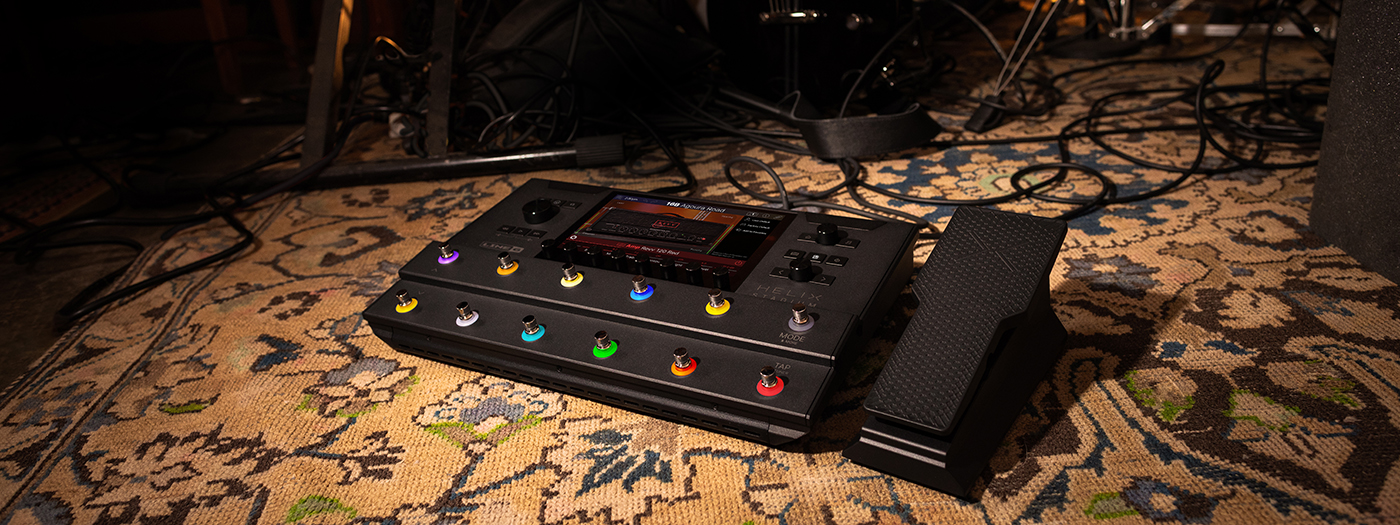
Perfect Practice with Helix Stadium Part 3: Jamming to Drum Loops
by Christian Basener
Throughout this series, we’ve explored how rhythmic and harmonic context can transform practice from a technical chore into a musical experience. In Part 1, we focused on timing with the metronome. In Part 2, we used drones and harmony beds to create richer harmonic environments. Now it’s time to bring those ideas together.
Practicing with drum loops adds the feel, energy, and momentum of a real groove, helping technical exercises feel more musical while developing timing, phrasing, and groove awareness.The result is practice that not only improves technique but also translates more naturally into real-world playing situations.
In this final installment, we’ll look at how to import drum loops into Helix® Stadium and build custom practice environments around them.
Jamming to Drum Loops
Best for: Technique practice with rhythmic context.
Once you’re comfortable practicing with the click of a metronome, it’s a good idea to move on to something a little more musical – namely real grooves.
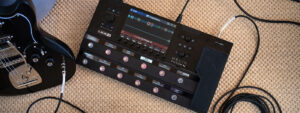
You can, of course, load a backing track into Helix Stadium and use the ShowcaseTM playback engine to play along with it. It’s great fun and can really bring a practice session to life, especially when you’re learning a specific song. You can learn more about the Showcase automation and playback engine here.
But there will be times when the backing track doesn’t match the technique, scale or arpeggio pattern you’re working on. Don’t fret (literally) – it’s easy enough to create your own practice environment.
Start by importing a drum loop into Helix Stadium using the Helix Stadium Edit Software.
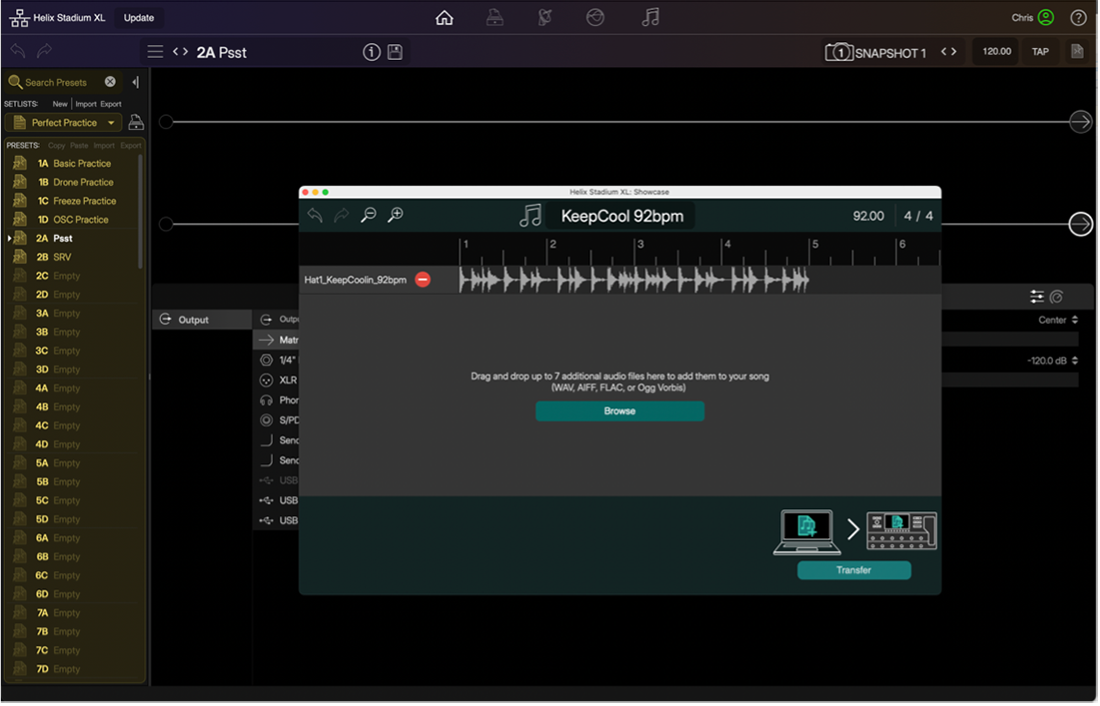
If you don’t already have a collection of drum loops, there are plenty of third-party providers offering both free and paid loop packs. Alternatively, if you use drum production software, many include extensive MIDI groove libraries covering a wide range of styles and feels. Simply export the loop as a WAV file and import it into Helix Stadium.
Spend a minute naming your loops properly as it makes them much easier to organise later on, especially once you’ve built up a collection. I recommend including the BPM in the file name and matching it in the import window before bringing the loop into Helix Stadium.
Once imported, use the Cycle Flags feature to set the loop points so that the drum groove plays back continuously.
You can now use the Drone Preset or Freeze Preset from the previous blog post to create your own harmonic backdrop.
Alternatively, use one of the looper blocks to record a chord progression or riff to play over. This works well, although it can be a little fiddly when working with very short one or two-bar loops.
Final Thoughts
Most players already know what they should be practicing. The difficult part is staying engaged long enough to make consistent progress. By combining rhythmic tools such as metronomes and drum loops with harmonic tools like drones and harmony beds, Helix Stadium can help turn everyday exercises into genuinely musical experiences.
After all, perfect practice only works if you keep coming back for the next session.
Chris Basener is Channel Marketing Manager, EMEA at Yamaha Guitar Group and a Munich Guitar Institute (MGI) graduate who has spent years performing live, recording, releasing original music, and helping guitarists develop their skills. Based in the UK, he can often be found planning trips to places most tourists overlook or being supervised by his two cats, Lemmy and Ozzy, who remain unimpressed by his guitar-playing antics.
Leave a Reply
You must be logged in to post a comment.