
Dialing In My Live Rig: Helix Stadium + Powercab CL 112
by Chase Cordova
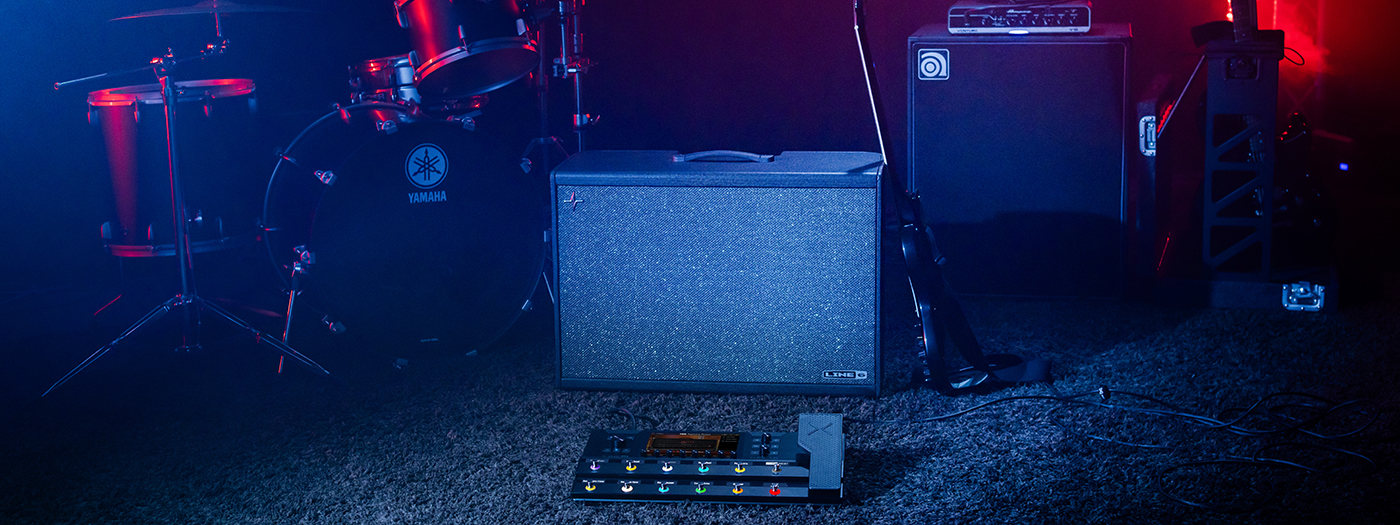
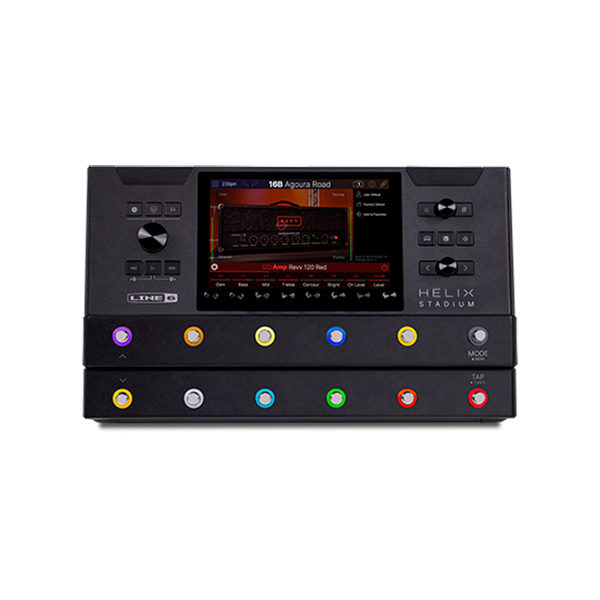
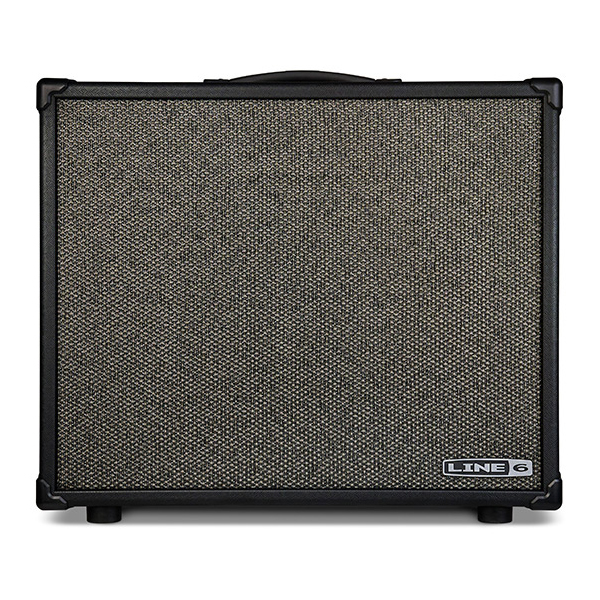
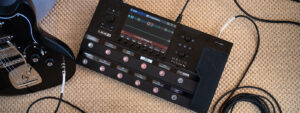
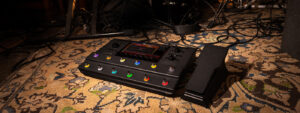
When I’m building a live rig, I’m chasing two things: consistency and control. After a lot of trial and error, I’ve landed on a setup that gives me both, running the Line 6® Helix® Stadium amp and effects processor into a Line 6 Powercab® CL 112 multi-voice active guitar speaker system. This combination has become the backbone of my live tone, and the way I’ve configured it keeps things simple on stage while still delivering a polished, mix-ready signal to front of house.
Why This Setup Works
The Powercab CL 112 isn’t just a powered speaker, it’s a 12″ guitar speaker designed to feel like a real cab in the room. That distinction matters. Instead of relying on full cab modeling inside the Helix and pushing that through a flat speaker, I treat the Powercab more like a traditional amp and cab on stage.
My Signal Chain Approach
Here’s the key decision that shapes everything:
I turn OFF cab modeling in the Helix Stadium. Because the Powercab is already giving me that “amp-in-the-room” feel, I don’t want to stack another cab simulation on top of it. That can make things feel boxy or over-processed.
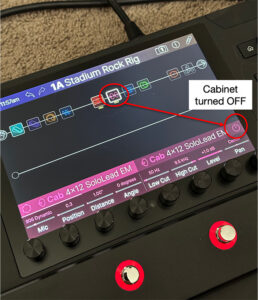
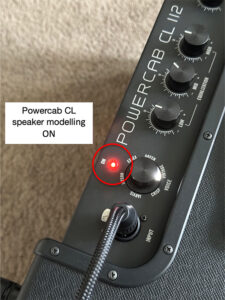
So, my signal flow looks like this:
Guitar →Helix Stadium (amp modeling, effects, etc.)
NO cab block in Helix
Helix →Powercab CL 112
At this point, what I’m hearing on stage is:
• Raw amp tone
• Real speaker interaction
• No mic’d cab coloration
It feels immediate and natural like playing through a real amp rather than a PA speaker.
Front of House: Where Cab Modeling Comes Back In
Here’s where the setup gets really powerful:
I use the XLR output on the Powercab CL 112 to send signal to front of house. Inside the Powercab, I enable cab modeling which only applies to the XLR output.
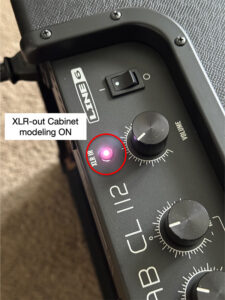
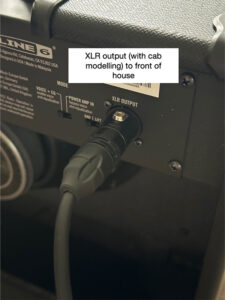
That means:
FOH gets a mic’d cab sound (what you’d expect in a professional mix) but, my on-stage speaker stays unaffected.
So I’m hearing a clean, amp-in-the-room tone, while the audience hears a polished, mix-ready cab tone.
Why This Matters Live
This separation solves a huge problem.
Most modeler setups force you to choose between sounding good on stage or sounding good in the PA.
With this rig, you don’t have to compromise.
You’re not stuck monitoring through a “mic’d” tone.
FOH doesn’t have to fix your sound.
Your tone translates consistently night after night.
It’s the best of both worlds.
Key Takeaways
• Turn cab modeling OFF in Helix Stadium when using Powercab as your speaker
• Let the Powercab act as your physical cab on stage
• Use the XLR Out on Powercab to feed FOH
• Enable cab modeling in the Powercab for FOH only
• Result: real feel on stage + polished sound in the mix
Final Thoughts
This setup has made my live rig feel more like a traditional amp while keeping all the flexibility of a modern modeler.
It’s simple, repeatable, and most importantly, it just works.
If you’re running a Helix into a Powercab CL and something feels off, there’s a good chance it’s just a matter of where your cab modeling lives. Dial that in, and everything opens up.

Chase Cordova is a Channel Marketing/Products Specialist at Yamaha Guitar Group who has spent years immersed in the world of music, from repairing and modifying instruments for professional musicians, to building out their effects pedalboards, his love of the craft never fades. Outside of work you will find him writing music, attending local shows and enjoying time with friends on the Southern California coast.
Leave a Reply
You must be logged in to post a comment.